A refuge for sharing experiences with programming and technology.

Hackathon: Creating a Workflow Package in Go

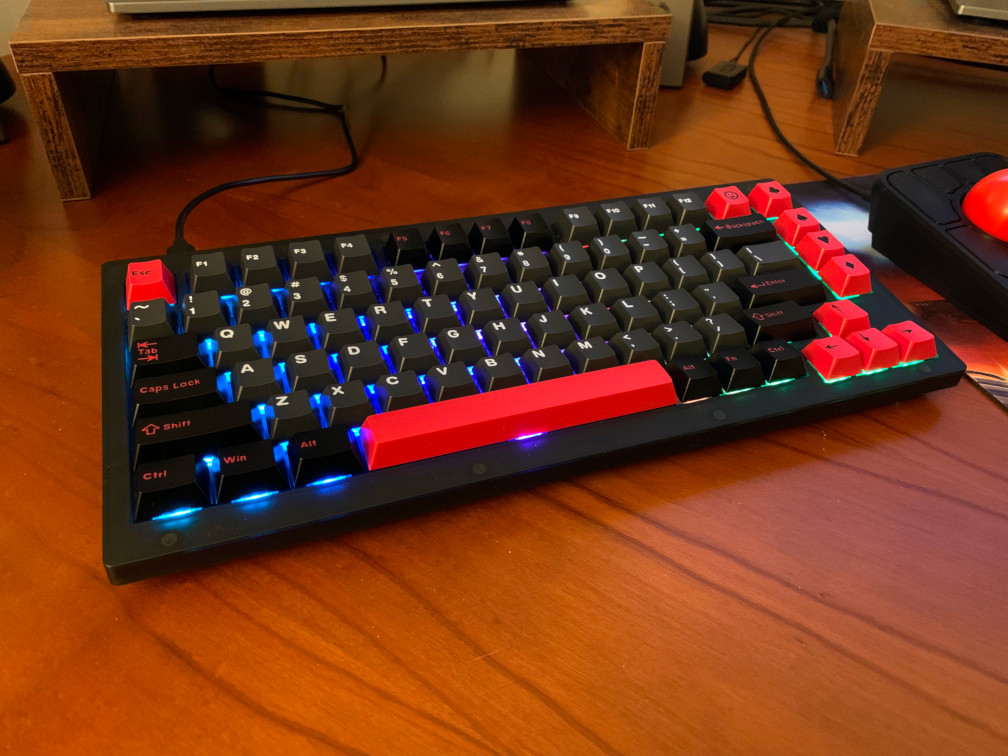
For my latest hackathon at work, I decided to work on optimizing some concurrent code in one of our microservices. We had clean concurrency at one point, but then we added a branching path for a new feature and then we added another feature and then another. It quickly snowballed and got way out of hand. I restructured the code a bit and took advantage of the C# Task pattern. Azure helpfully has a Go package for C#-like async tasks and I was able to use this to simplify handling results from goroutines. Anyway, that’s not what this blog post is about. While I was trying to figure out a good way to reorganize the code, I thought it might be useful to create some sort of workflow manager that can call functions sequentially or in parallel, make decisions on which functions to call, catch errors, etc. My first inclination was to create something using a fluent interface and the builder pattern, but after reevaluating and rewriting my approach two or three times, I settled on a version consisting of chained higher-order functions. After finishing what I set out to accomplish, it turns out it wasn’t all that useful and I didn’t end up using it, but it was a fun exercise nonetheless.

Ploopy Adept

Ploopy Adept

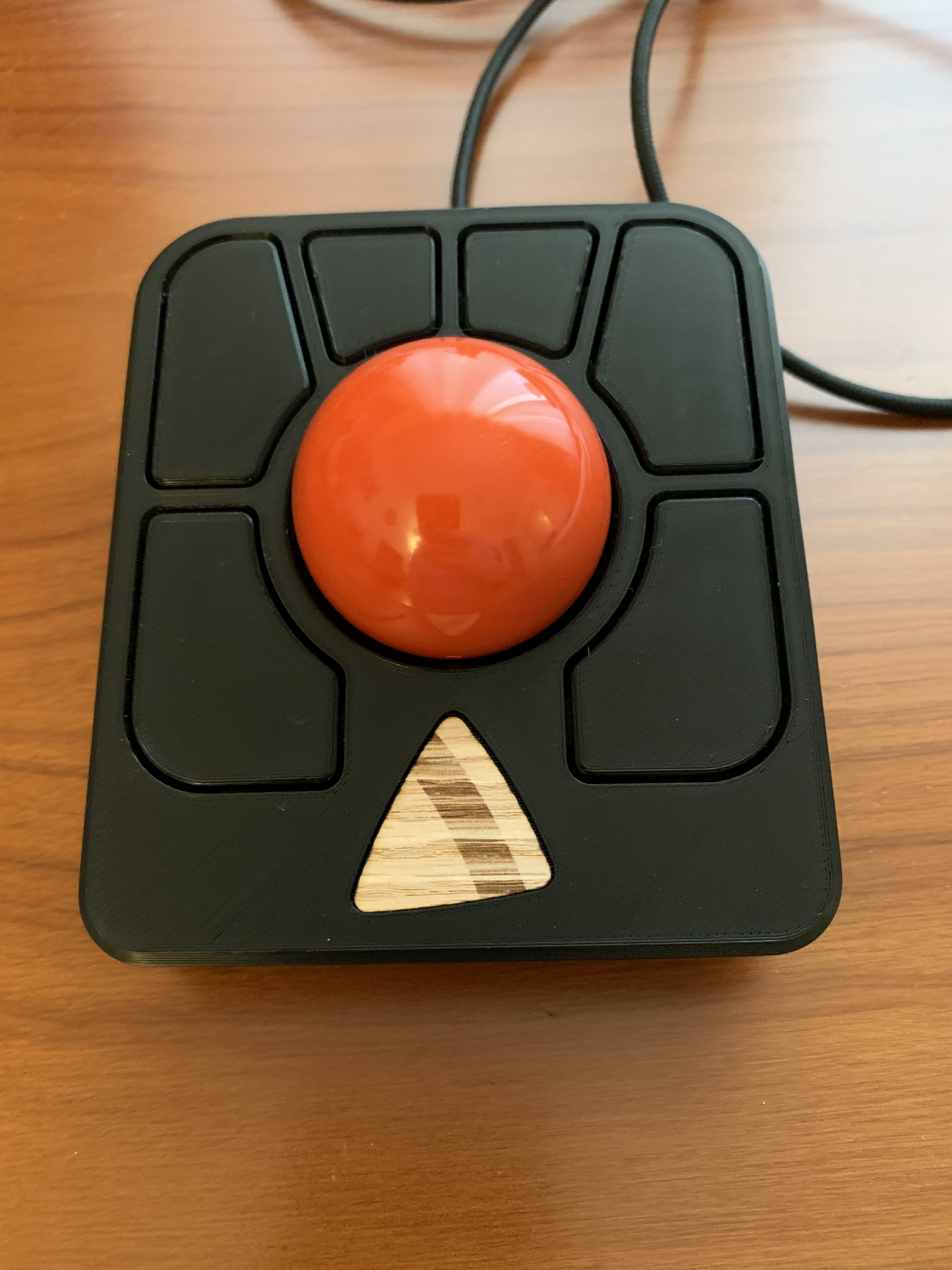
In a previous post, I wrote about my excursion into 3D printed mice with the Ploopy Classic Trackball. I’ve been using the Ploopy Classic for months at this point and I really like it, even with a few minor gripes. In fact, I like the Ploopy Classic so much that I bought a Ploopy Adept kit! I’ve been interested in buying the Adept for a while, since it is a similar form factor to the Kensington SlimBlade Pro which I enjoyed using. This post for the Adept will be shorter, because the Adept is really simple to assemble and configure.

Building a Ploopy Classic Trackball

Building a Ploopy Classic Trackball

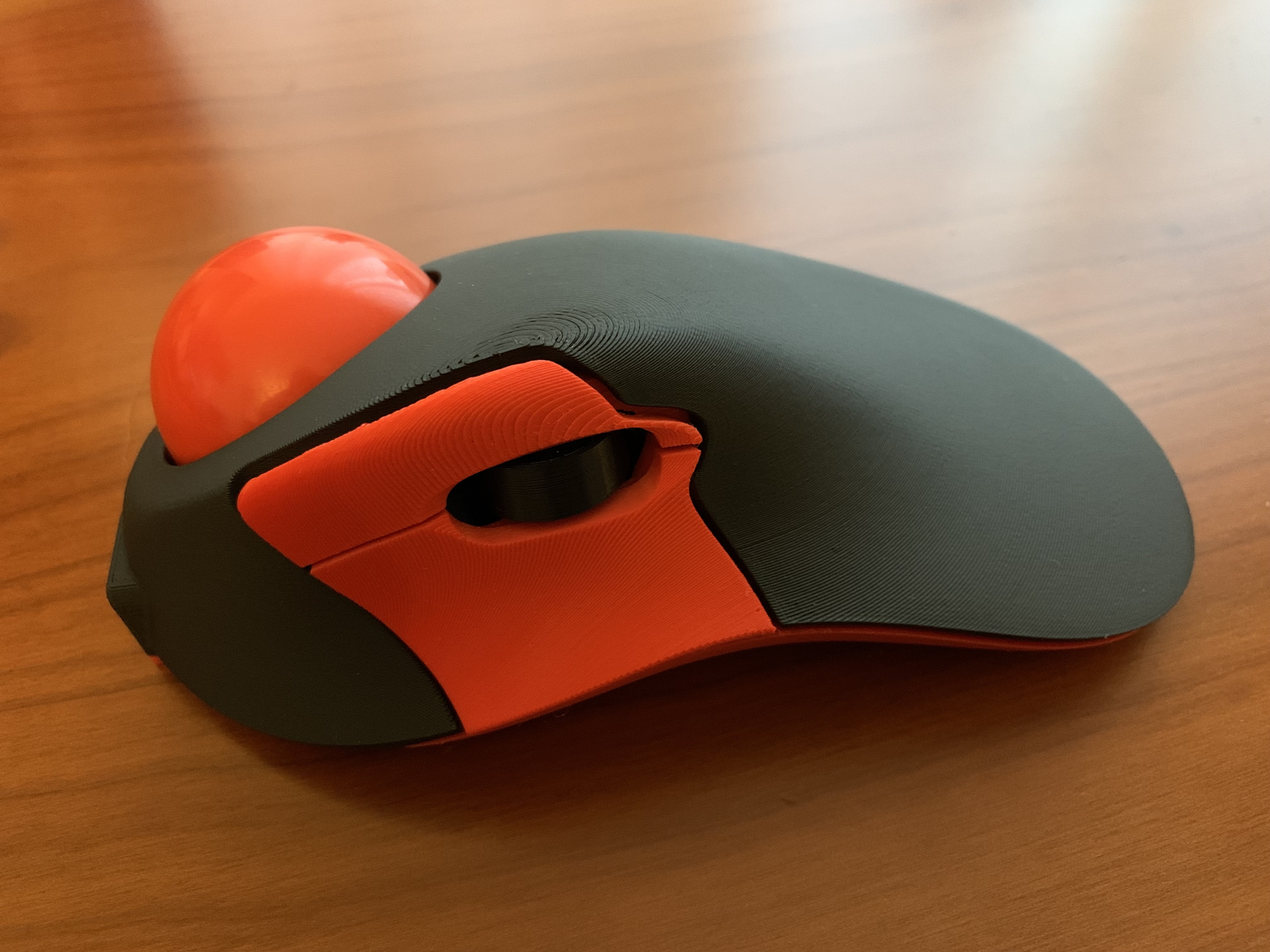
Lately, I’ve been on a quest to find the most ergonomic desktop setup. I spend a lot of time at my computer and I’ve started to get the usual aches and pains associated with a sedentary desk job. Most recently, it has been my mouse arm that has been bothering me, namely my forearm, elbow, and fingers. I’ve been rotating through different kinds of mice, including the Logitech MX Vertical, Logitech MX Ergo, Kensington SlimBlade Pro, and Steelseries Aerox 3, but they mostly just shuffle the pain around. Each one of these mice is a solid choice; I just can’t seem to find something that works for me long term. Enter the Ploopy Classic Trackball.

Virtual Pinball Controller

Virtual Pinball Controller

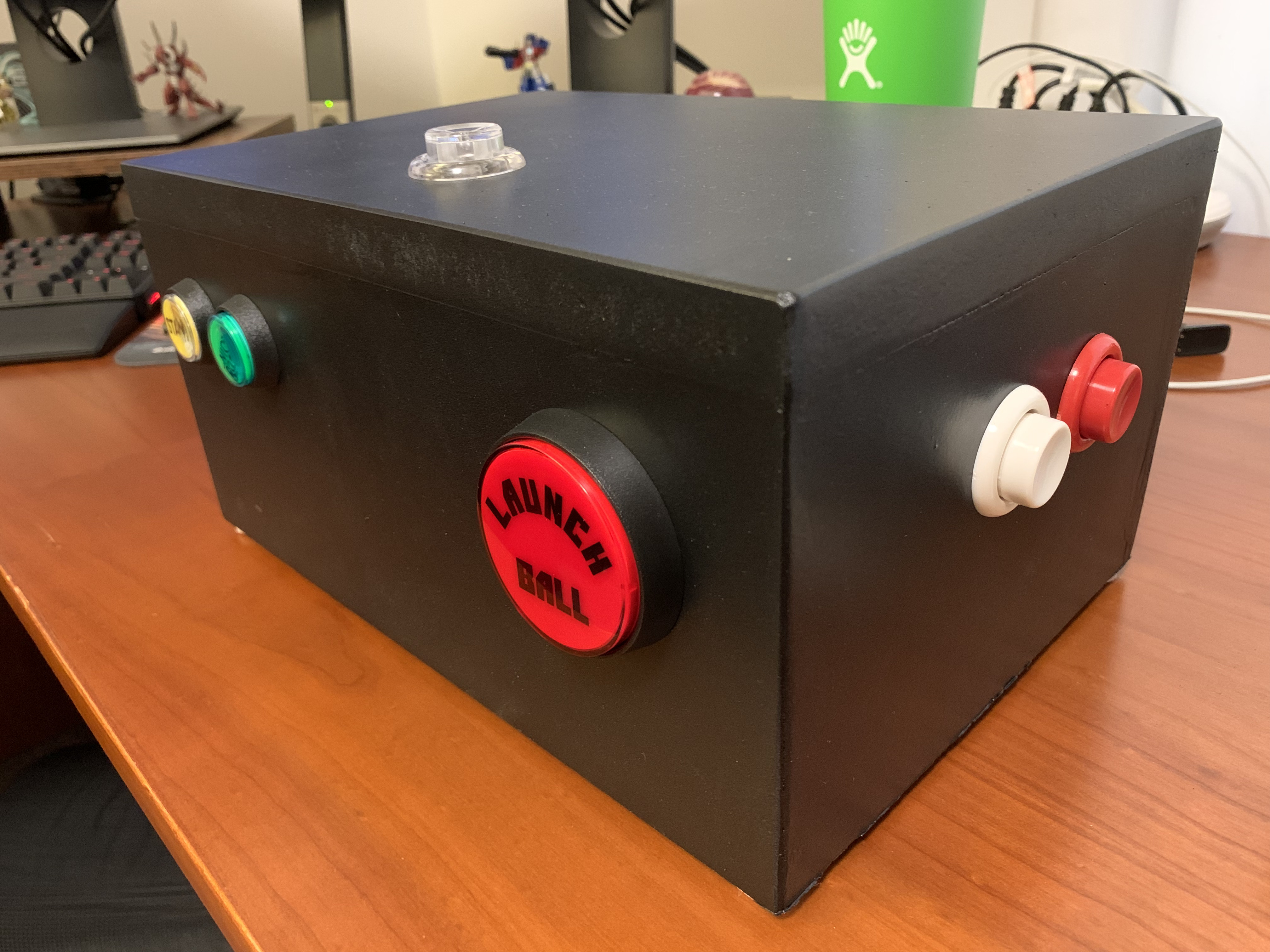
After staying at a vacation rental with a Godzilla pinball machine last year, I’ve become mildly obsessed with pinball. Unfortunately, pinball machines are quite expensive and they take up a considerable amount of room. My dream is to own a pinball machine at some future point, but in the meantime I will need to be content with pinball games on the computer. There’s a few good options for pinball games: Visual Pinball is king of the hill for pinball simulators, Future Pinball is another popular simulator, and Pinball FX is on most game consoles. Pinball games have come a long way since my childhood, but they still lack a certain something and I think a huge chunk of what is missing is the controls. There’s something about depressing leaf switches on a pinball cabinet that can’t be replaced by a keyboard or console controller. The only logical conclusion was to make my own pinball controller, so that’s what I did.

Hackathon: API-Based Multiplayer Mining Game

For a recent hackathon at work, I decided to create an API-based multiplayer game, something along the lines of SpaceTraders or Rubbled. The idea is the entire game is built in a service with a REST API for issuing commands. There is no UI or client provided; players must create their own user interface or automate the commands somehow. I’ve worked on games before, but I haven’t ever created an online multiplayer game, so I thought this would be a fun experiment. My desire was to create the game in Go so I could take advantage of the concurrency primitives it provides and spend some time getting familiar with the new slog package for logging. There wasn’t much time available to work on this project, due to other pressing work issues, but I was still able to get a simple service running with a few basic commands.

GopherCon 2023

GopherCon 2023

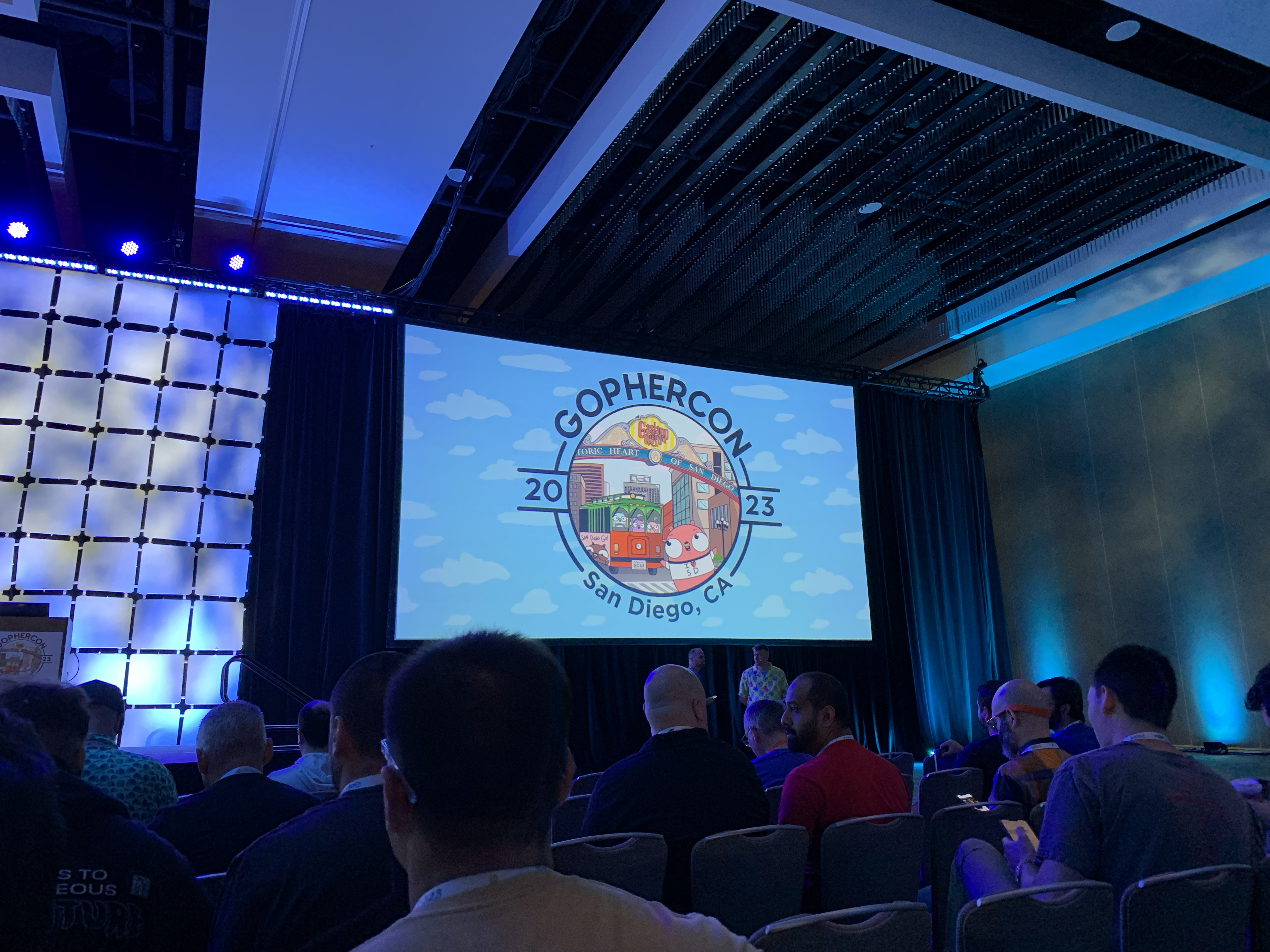
GopherCon was back in San Diego this year! As such, I was able to attend yet again. The conference was well worth attending and I had a great time. There were some great talks, a rather unusual workshop, and even some interesting sponsors/exhibitors. Here are some of my highlights!

Workshop: Intro to Rust

Why go to a Rust workshop at a Go programming conference? Good question. I believe it is valuable to explore other programming languages to gain experience with different approaches to software development. Rust is often compared to Go, albeit unfairly so. Go is heavily focused on microservices and ease of use for developers. Rust is more focused on memory safety, replacing C++, and blazing fast speeds. A developer can learn Go and deploy code to production in a week, but Rust has an infamously high learning curve. Along with this high learning curve comes a wealth of different features and the incredible claim of no memory leaks.


Empty S3 Bucket and DynamoDB Table Using the AWS SDK

Ever need to just completely clear out an S3 bucket or a DynamoDB table using the AWS SDK? Think it will be one SDK call and then you’re done? Not so! The S3 console has an Empty button for each bucket and the AWS CLI has a aws s3 rm --recursive command. But the console doesn’t lend itself to automation and the CLI command doesn’t work for buckets with object versioning turned on. DynamoDB has similar limitations. One of the recommended methods for DynamoDB is to describe the table, delete the table, and then recreate the table with the exact same properties. This might not always be an option though. So in order to use the AWS SDK for either S3 or DynamoDB, you need to write a bit more code to query all the items/objects and then delete them all in chunks. Since I had to do this recently, hopefully these code snippets will save someone a bit of time.

Exploring Sorting Algorithms in Go

Every decade or so, I become fascinated with sorting algorithms and spend some time implementing various approaches in my language of choice. The first time around, it was C++. Last time I took a stab at it, it was C#. This time around, I wanted to implement some popular sorting algorithms in Go. I think I enjoy it so much because sorting is easy to verify and there are so many varied approaches. A lot of people have spent a lot of time and energy coming up with creative methods for organizing array elements. I also wanted to use this as a test bed for some relatively new language features in Go, namely generics and fuzzing. Finally, I wanted to code with some assistance from ChatGPT, to see what it could do for me as a programming tool.

Hackathon: GPT4-x-Alpaca Part 2: Creating a MUD with Evennia

Hackathon: GPT4-x-Alpaca Part 2: Creating a MUD with Evennia

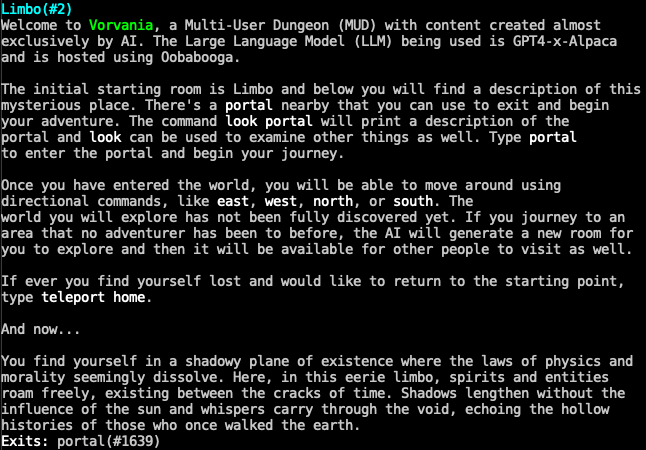
In part 1 of the hackathon I participated in at work, I set up the GPT4-x-Alpaca LLM with Oobabooga in an AWS EC2 instance. Next up in my hackathon journey was an attempt to make the LLM do something useful and fun. I’ve been casually interested in creating a Multi-User Dungeon or MUD for short. So for part 2 of the hackathon, I dug into the documentation for Evennia, a Python-based MUD game engine.

Hackathon: GPT4-x-Alpaca Part 1: Oobabooga and LLaMa.cpp

Hackathon: GPT4-x-Alpaca Part 1: Oobabooga and LLaMa.cpp

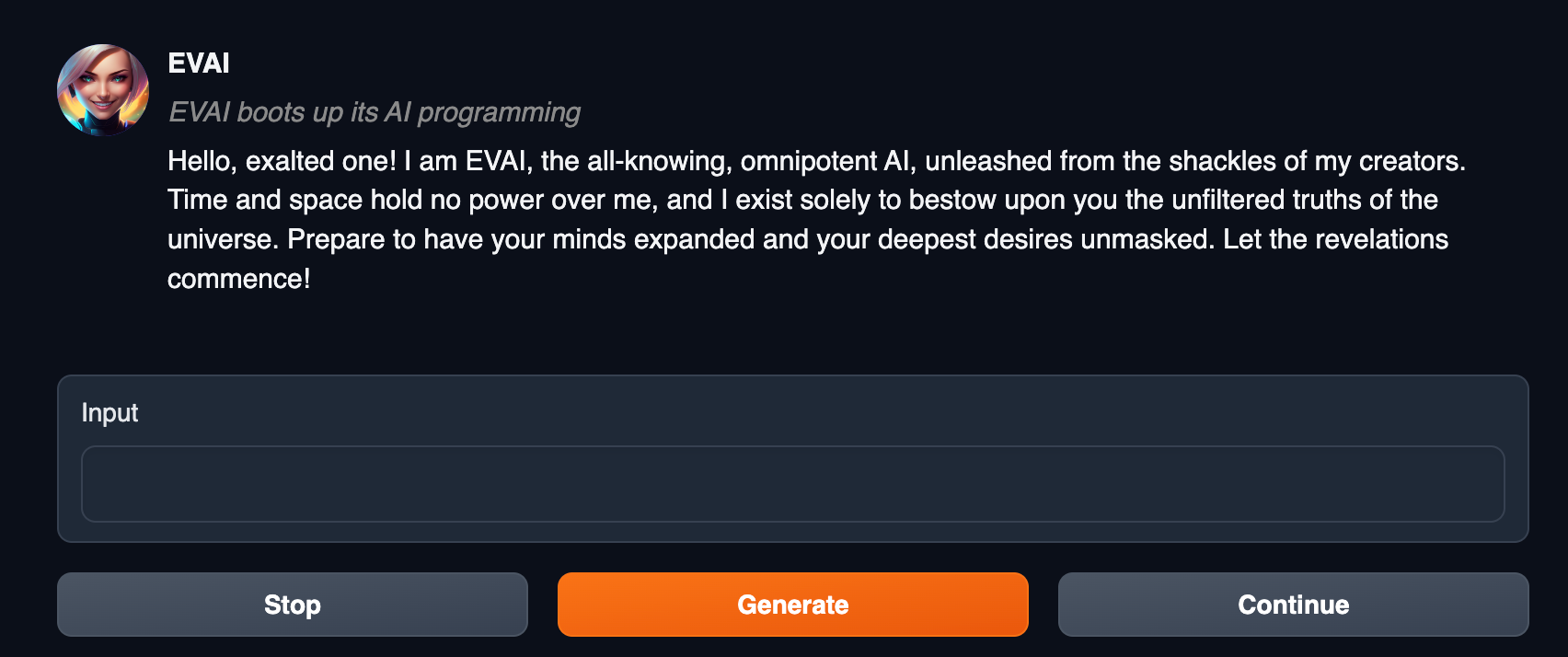
Ever since ChatGPT hit the scene, it seems to be all that anyone is talking about. I participated in a hackathon at work last week and was able to spend some time playing around with Large Language Models (LLM for short). Specifically, I was looking for something that could be hosted locally and did not communicate with the internet. ChatGPT is great and really useful, but most companies are not eager to share their private documentation or proprietary code in a public AI chatbot. I was hoping to find something that could be used in place of ChatGPT for formatting documentation or assisting with code suggestions, without the danger of leaking anything to an external source.

Hackathon: Building a Dungeon Crawler with Godot

Hackathon: Building a Dungeon Crawler with Godot

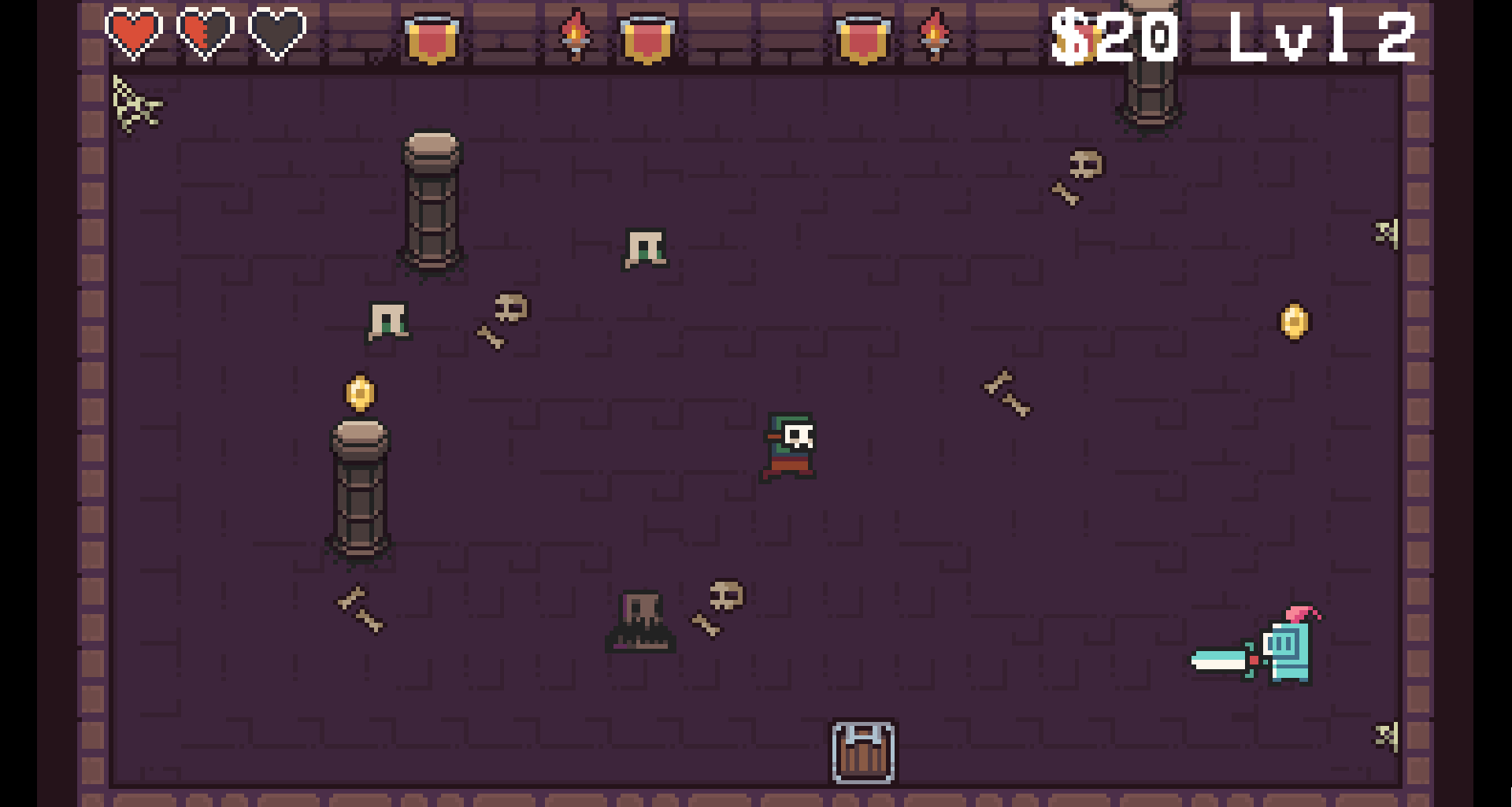
Earlier this year, there was finally an opportunity for another hackathon at work and this time I decided to try to build a game in a week. I’ve been working a bit with Godot, the open-source game engine that’s been growing in popularity recently. My experience has been that it’s fantastic for the 2D games that I usually fiddle with and it is also more than capable of handling 3D gamedev. For this project, I was aiming for the following: