
Ever need to just completely clear out an S3 bucket or a DynamoDB table using the AWS SDK? Think it will be one SDK call and then you’re done? Not so! The S3 console has an Empty button for each bucket and the AWS CLI has a aws s3 rm --recursive command. But the console doesn’t lend itself to automation and the CLI command doesn’t work for buckets with object versioning turned on. DynamoDB has similar limitations. One of the recommended methods for DynamoDB is to describe the table, delete the table, and then recreate the table with the exact same properties. This might not always be an option though. So in order to use the AWS SDK for either S3 or DynamoDB, you need to write a bit more code to query all the items/objects and then delete them all in chunks. Since I had to do this recently, hopefully these code snippets will save someone a bit of time.
AWS re:Invent 2019
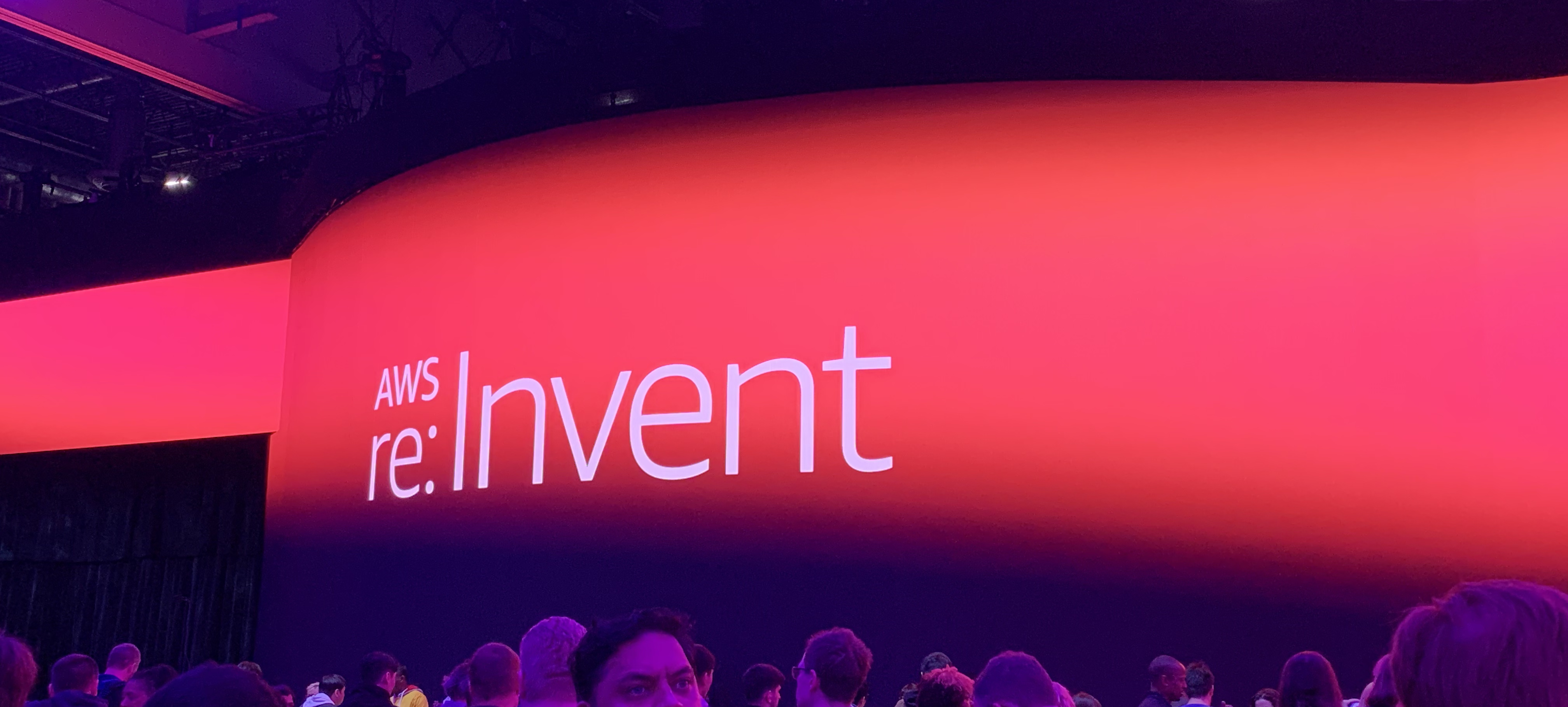
Another late post, but that’s just how it goes. I attended AWS re:Invent with some collegues back in December of 2019 in Las Vegas. The conference spans multiple hotels on the main strip and has something like 70-80k attendees. Since it was my first time attending, I wasn’t really sure what to expect. Turns out, I had a lot of fun! There were lots of opportunities to try out different AWS technologies.
Setting up a Ghost blog on Amazon AWS

If it wasn’t immediately evident, I created this blog fairly recently. After much deliberation and research, I chose Ghost as my blogging platform. I like its simplicity and focus on content. My desire was to use Amazon AWS for hosting, as it is fairly cheap and dependable. It took some fiddling to get Ghost running and I thought I would share what I did in the hope that it would aid someone else. Please note, these instructions assume the person following them already has an AWS account set up and ready to go.