Ploopy Adept

Ploopy Adept

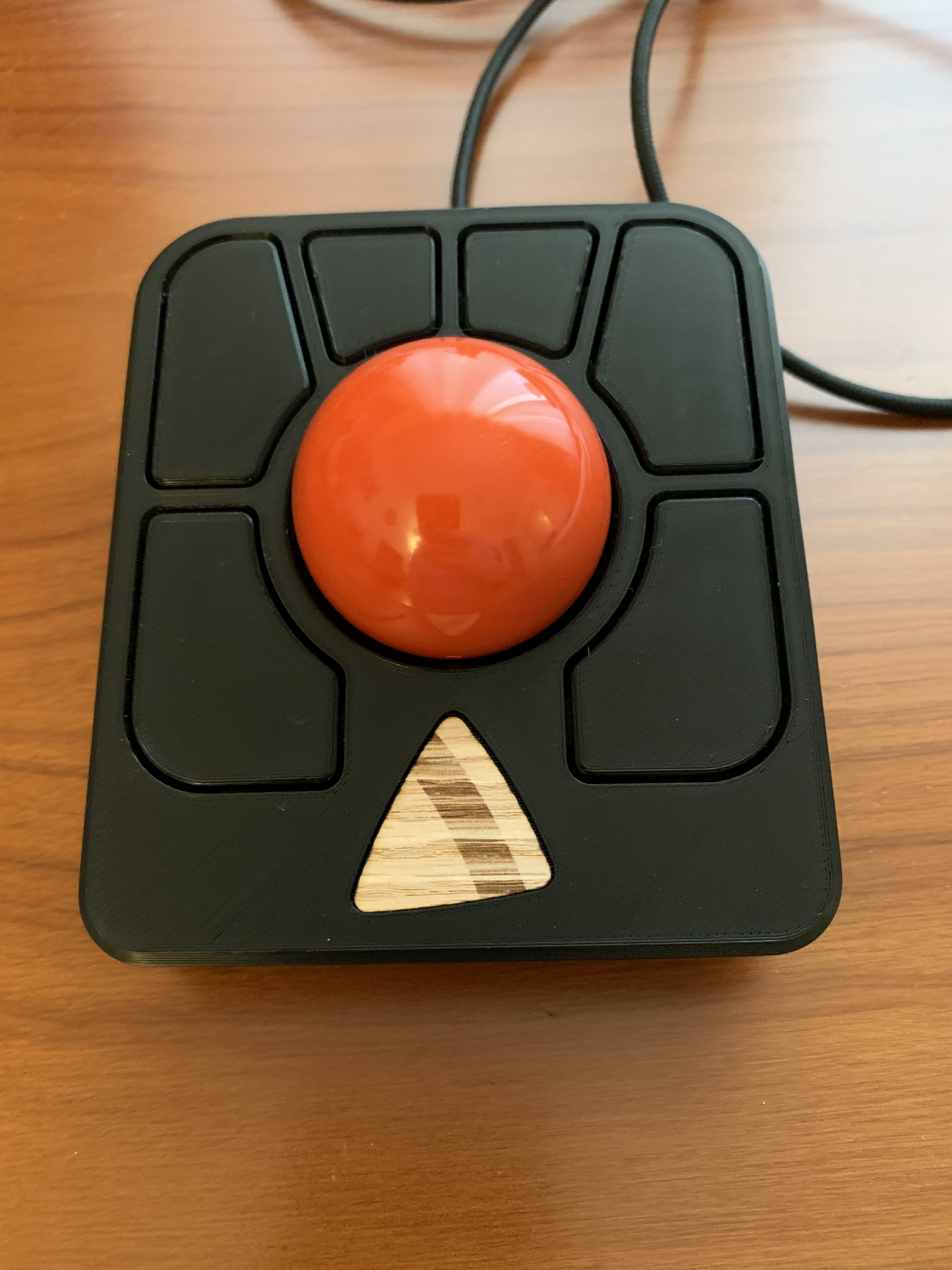
In a previous post, I wrote about my excursion into 3D printed mice with the Ploopy Classic Trackball. I’ve been using the Ploopy Classic for months at this point and I really like it, even with a few minor gripes. In fact, I like the Ploopy Classic so much that I bought a Ploopy Adept kit! I’ve been interested in buying the Adept for a while, since it is a similar form factor to the Kensington SlimBlade Pro which I enjoyed using. This post for the Adept will be shorter, because the Adept is really simple to assemble and configure.

Read more →

Building a Ploopy Classic Trackball

Building a Ploopy Classic Trackball

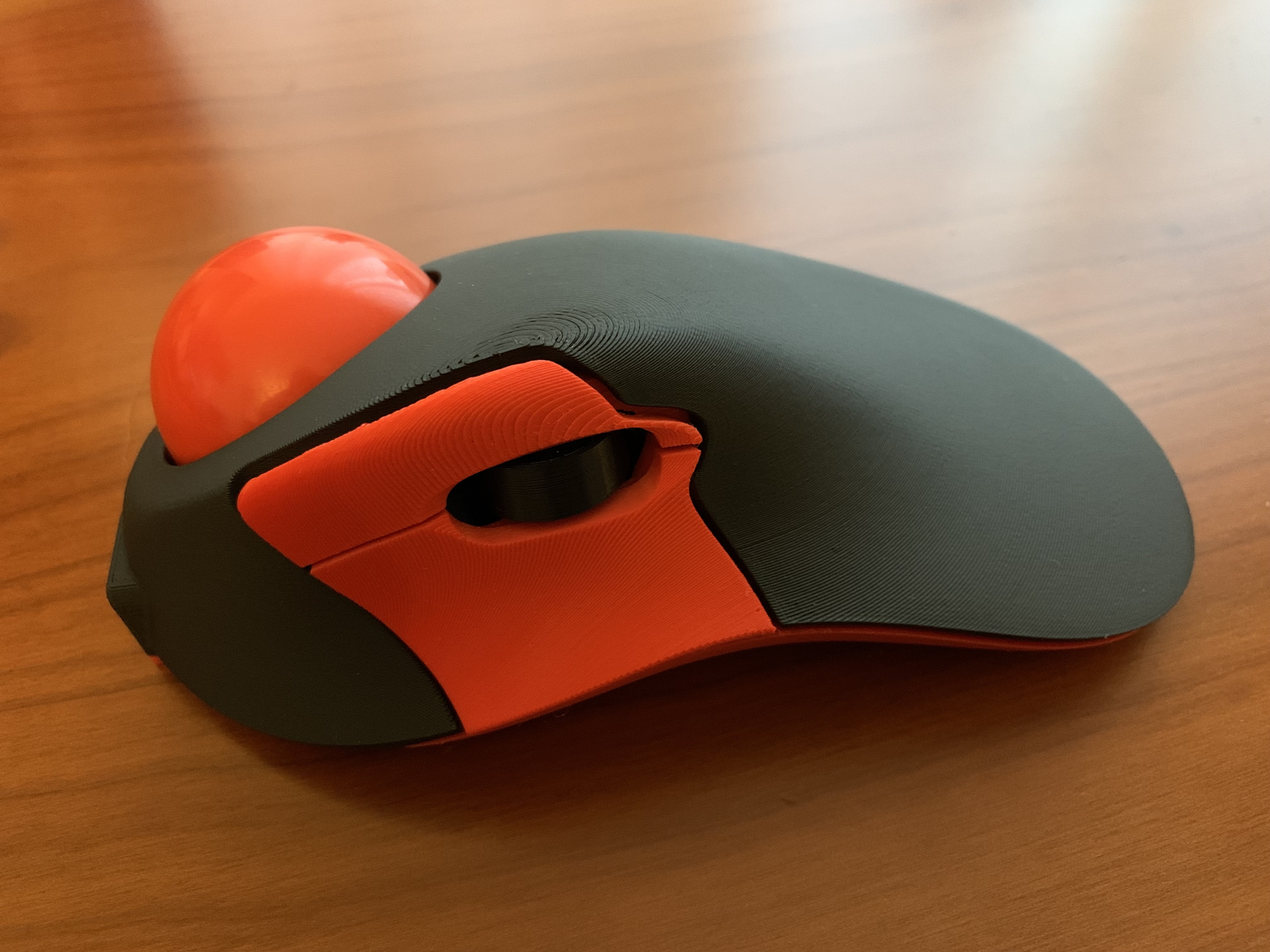
Lately, I’ve been on a quest to find the most ergonomic desktop setup. I spend a lot of time at my computer and I’ve started to get the usual aches and pains associated with a sedentary desk job. Most recently, it has been my mouse arm that has been bothering me, namely my forearm, elbow, and fingers. I’ve been rotating through different kinds of mice, including the Logitech MX Vertical, Logitech MX Ergo, Kensington SlimBlade Pro, and Steelseries Aerox 3, but they mostly just shuffle the pain around. Each one of these mice is a solid choice; I just can’t seem to find something that works for me long term. Enter the Ploopy Classic Trackball.

Read more →

Virtual Pinball Controller

Virtual Pinball Controller

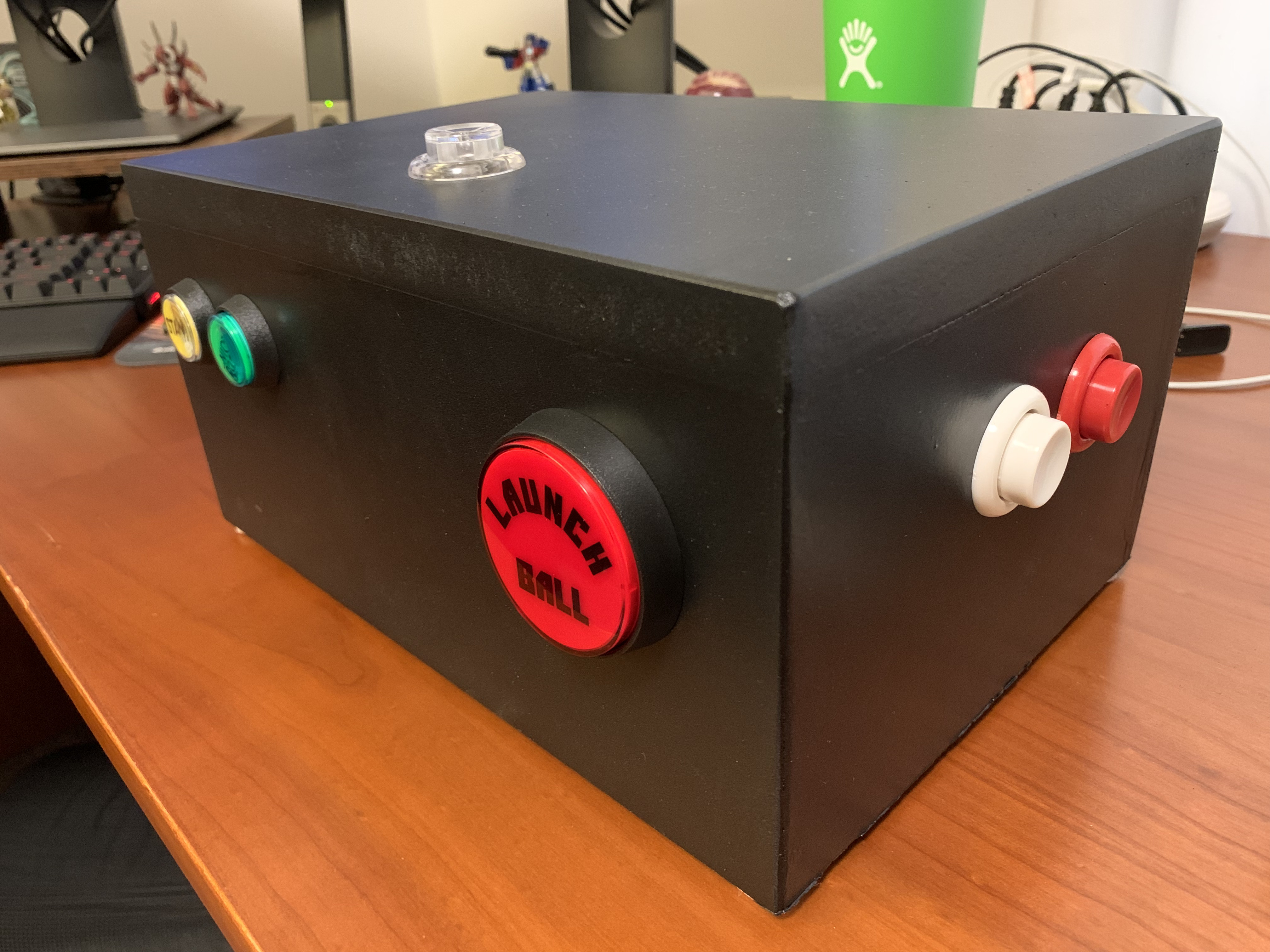
After staying at a vacation rental with a Godzilla pinball machine last year, I’ve become mildly obsessed with pinball. Unfortunately, pinball machines are quite expensive and they take up a considerable amount of room. My dream is to own a pinball machine at some future point, but in the meantime I will need to be content with pinball games on the computer. There’s a few good options for pinball games: Visual Pinball is king of the hill for pinball simulators, Future Pinball is another popular simulator, and Pinball FX is on most game consoles. Pinball games have come a long way since my childhood, but they still lack a certain something and I think a huge chunk of what is missing is the controls. There’s something about depressing leaf switches on a pinball cabinet that can’t be replaced by a keyboard or console controller. The only logical conclusion was to make my own pinball controller, so that’s what I did.

Read more →

Hackathon: Using Go on an Arduino

Hackathon: Using Go on an Arduino

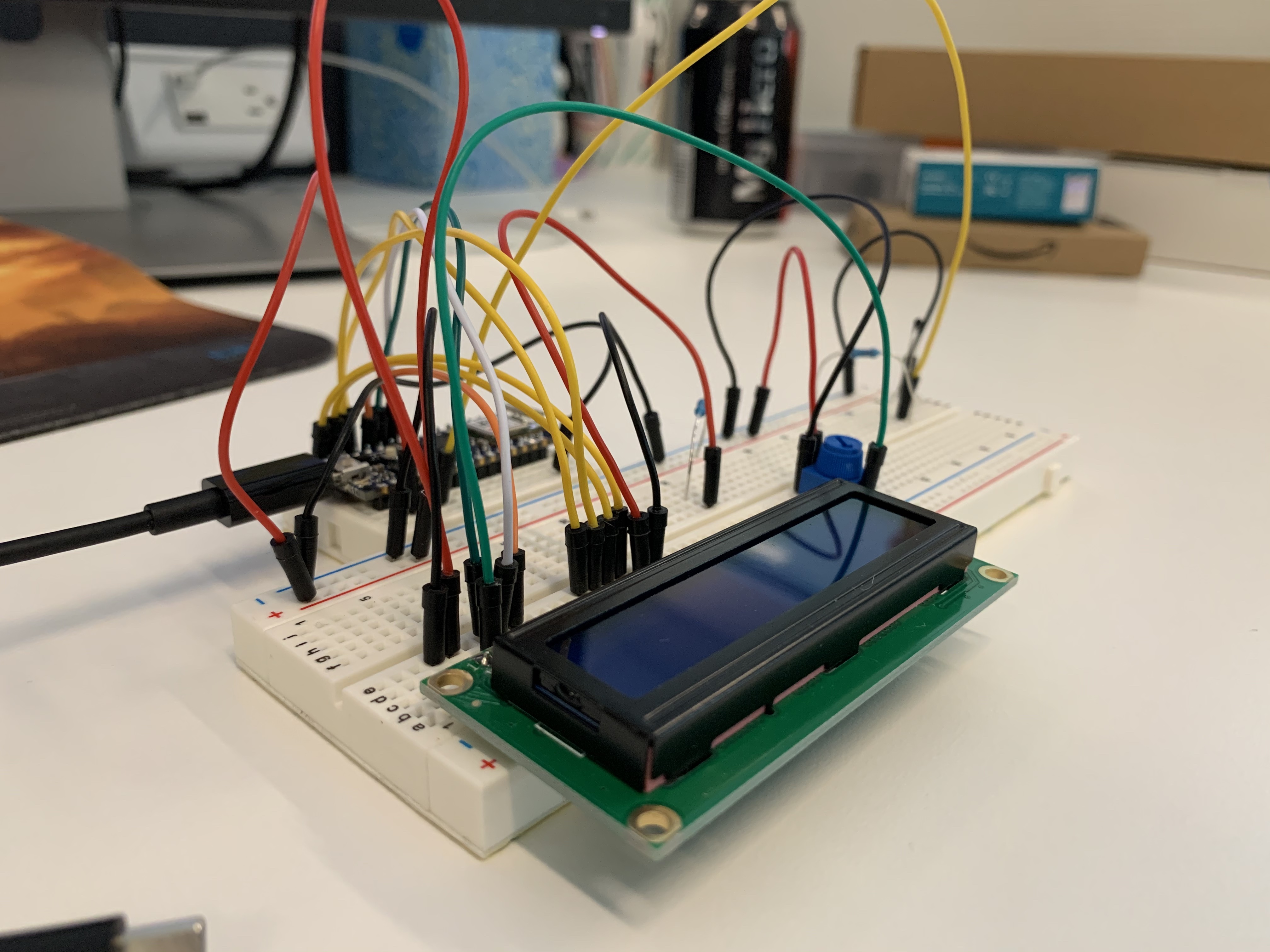
This is waaaay overdue, but we had another hackathon at work back in September of last year and even though I’m waaaay behind on blog posts, I wanted to make sure I did a short writeup on my project. During GopherCon, I received a small Arduino Nano 33 IoT. Not exactly a powerhouse, but I wanted to do something with it. I bought a breadboard, sensors, wires, and other various components. I still didn’t know exactly what to create, just that I wanted the programming component to use TinyGo.

Read more →